Stop using Claude Code like a basic chat terminal
Most developers use Claude Code like a chat window with terminal access. The top 1% use it like an autonomous pairing partner. Here is the 4-step playbook to stop prompt-and-pray coding and start shipping production features safely.
· 1 min read
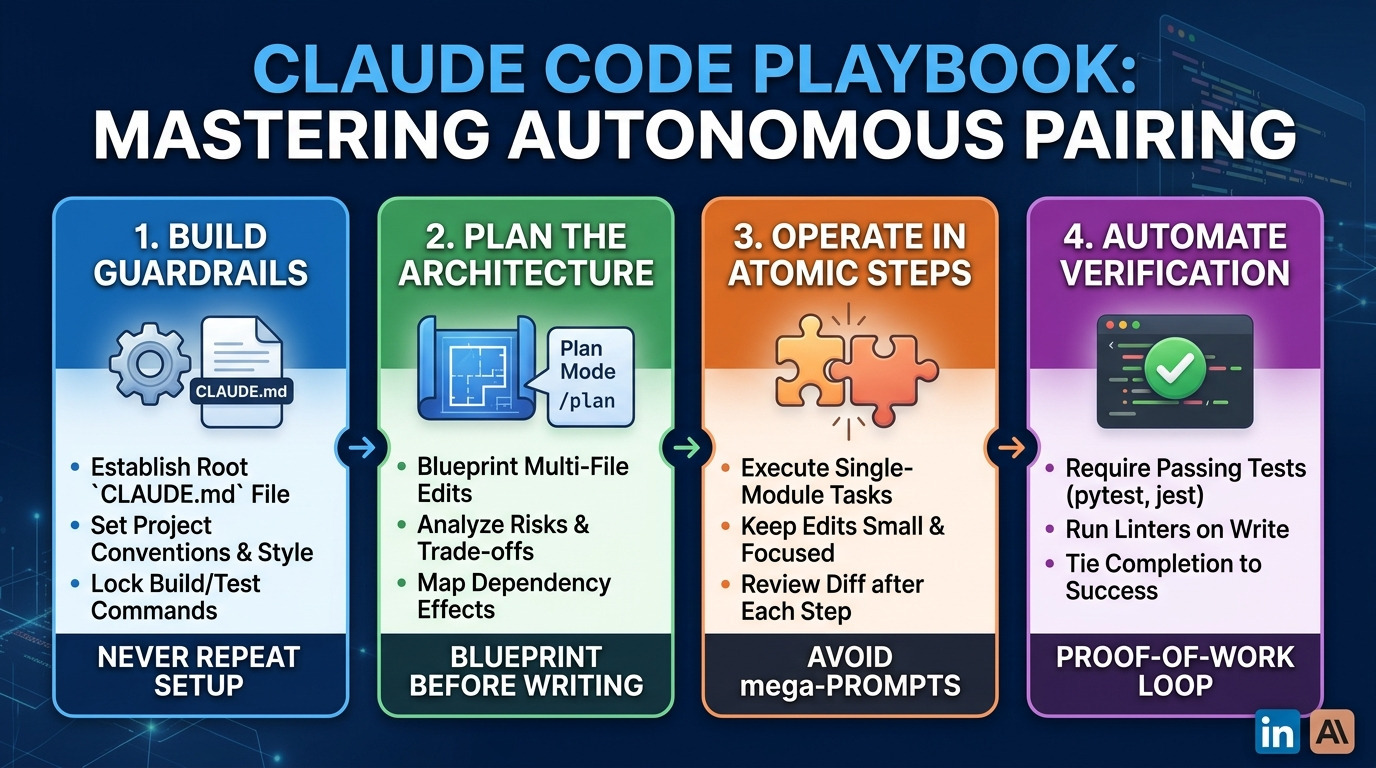
Most developers load a prompt, let the AI touch 15 files, and spend the next hour fixing broken builds.
If you want reliable output from Claude Code, adopt these 4 workflow rules:
Lock in your CLAUDE.md
Don't re-explain your stack every turn. Keep a root CLAUDE.md file with build commands, architectural rules, and code style. Claude reads it on session start.
Plan Before Writing (Shift+Tab)
Never ask for code on complex tasks right away. Run /plan first. Make it list target files, dependencies, and trade-offs. Review the blueprint before approving file edits.
Keep Context Lean
Context rot is real. Monitor context with /context. Compress session history using /compact, or write progress to a markdown file and run /clear to start fresh with clean memory.
Enforce Proof-of-Work
Don't accept "I fixed the issue." Pair your prompt with automated test commands: "Run pytest on the auth module and iterate until all tests pass."
The magic isn't writing better prompts—it's building better execution boundaries.
Share
Keep reading
Related articles
· 2 min read
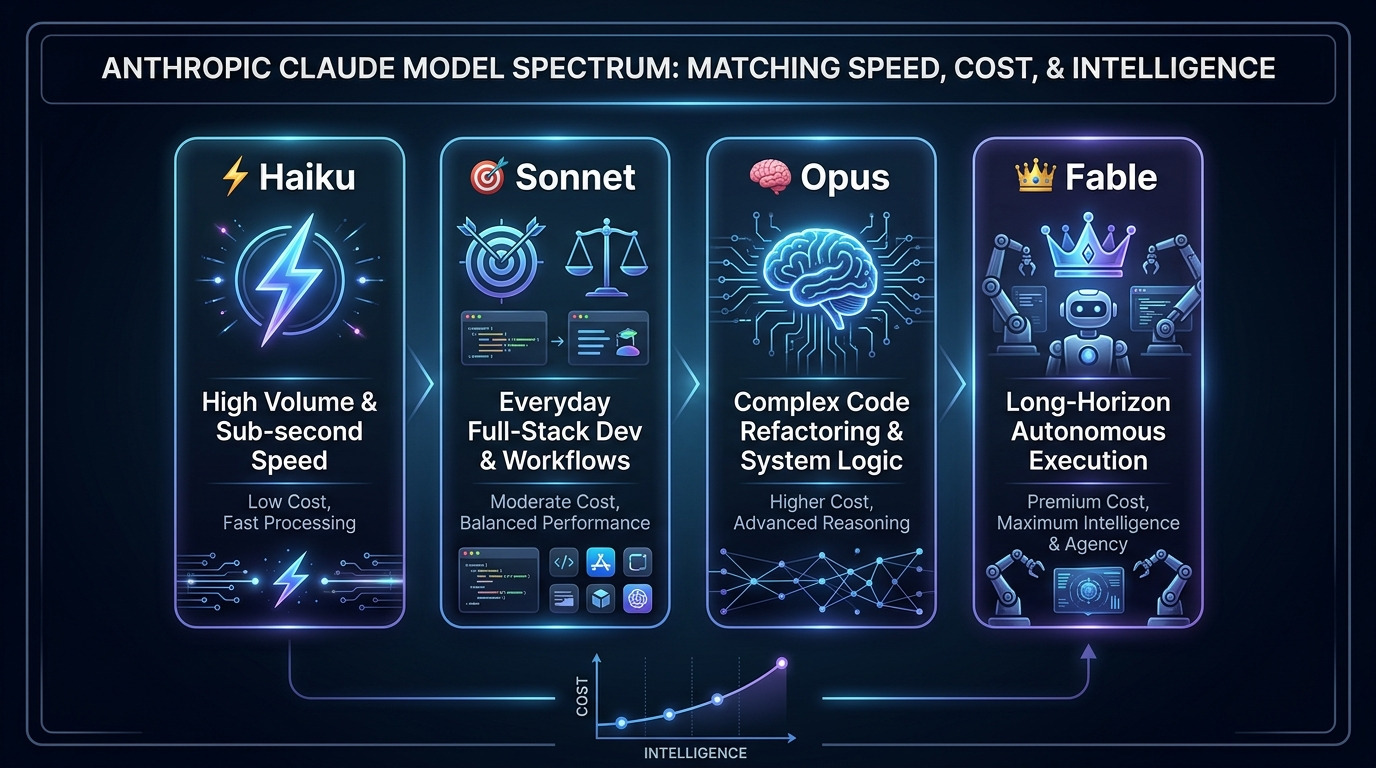
Stop Overpaying for AI: How to Choose the Right Claude Model for the Job
Choosing the right AI model isn't about using the most powerful one—it's about matching task complexity to processing speed and cost. Anthropic’s Claude lineup (Haiku, Sonnet, Opus, and Fable) provides a clear framework for balancing ultra-fast micro-tasks, everyday full-stack development, and complex, autonomous agentic reasoning.
AI & Emerging Tech
· 1 min read
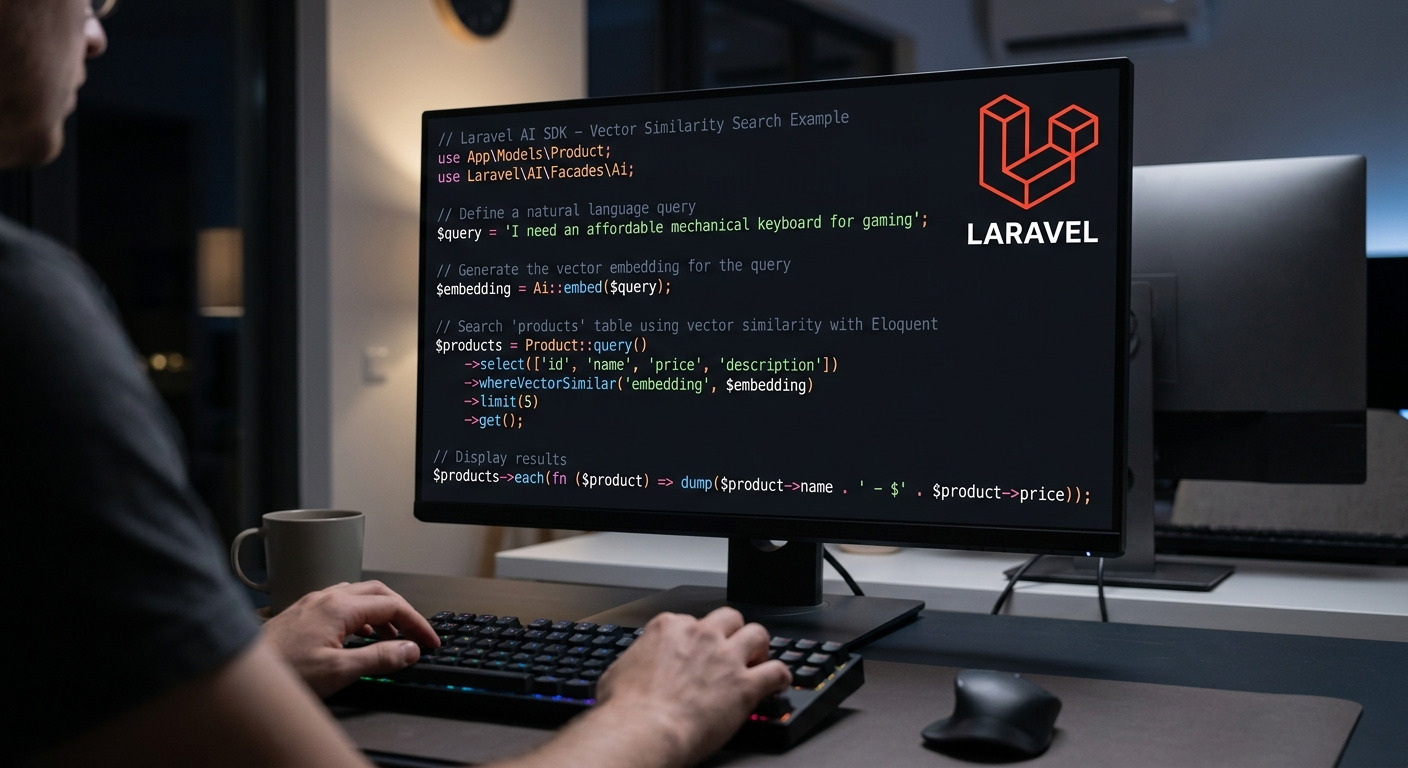
Casual & Developer Experience (Focus: artisan doctor)
Say goodbye to manual environment debugging. The new `php artisan doctor` command runs instant health diagnostics on your Laravel stack and automatically fixes common config issues—saving you time before every deploy.
PHP & Frameworks
· 1 min read
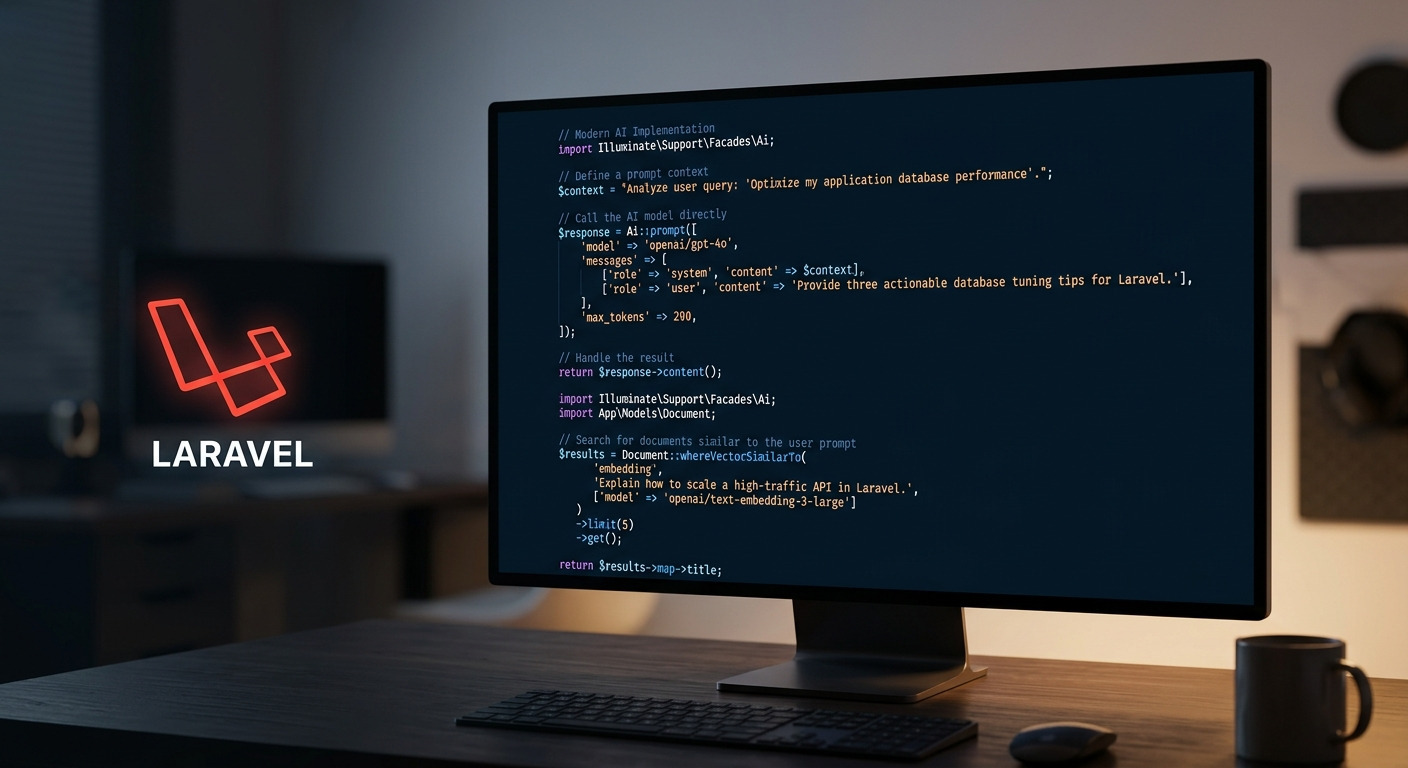
Visual & High-Impact (Focus: First-Party AI SDK)
Laravel just went native with AI. The official AI SDK brings multi-provider switching, built-in failovers, and semantic vector search straight to Eloquent—no third-party packages required.
PHP & Frameworks